Bowerbird
A project by pltnkv
Bowerbird
A project by pltnkv
Bowerbird
A project by pltnkv
Bowerbird
A project by pltnkv
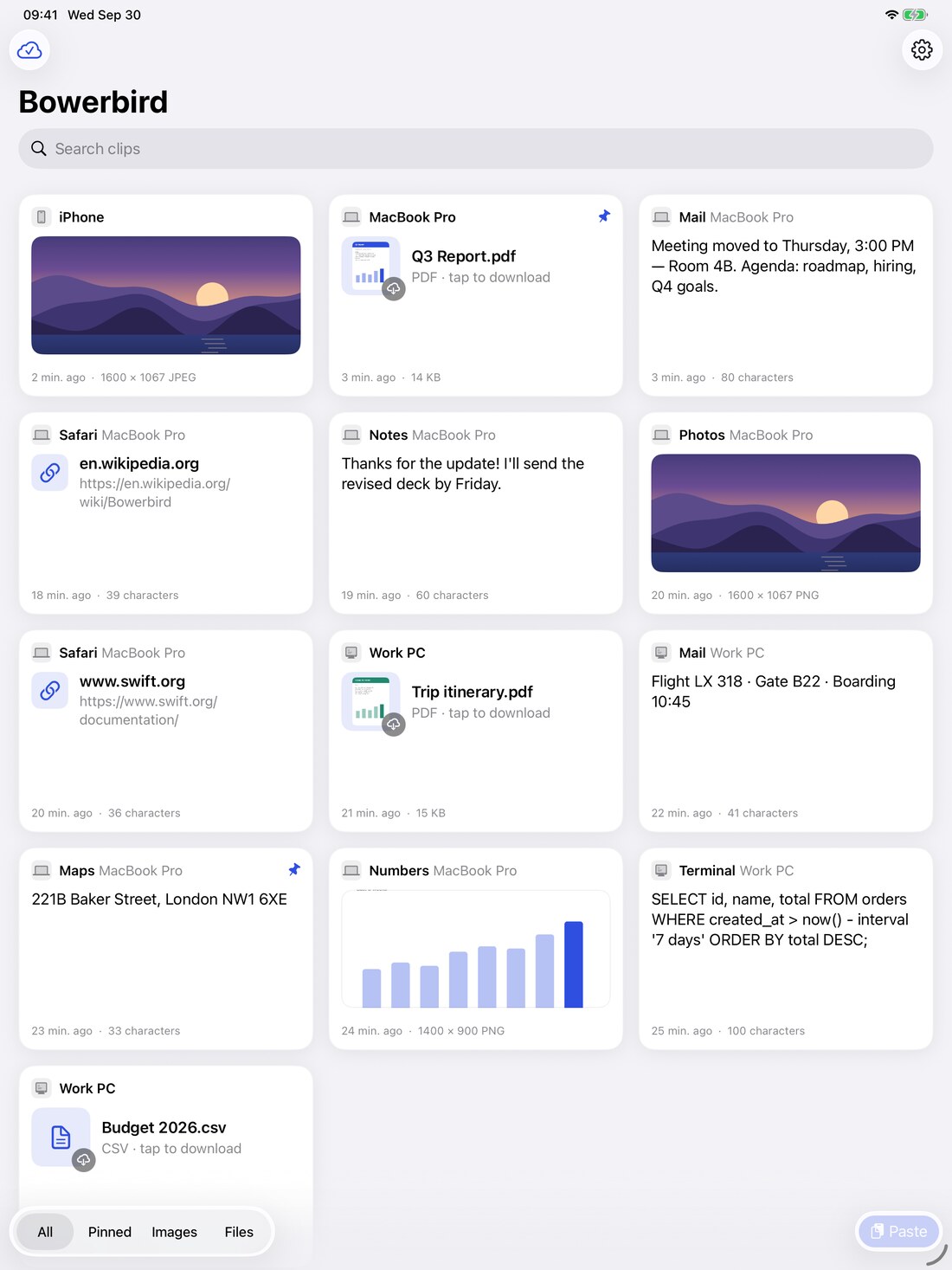
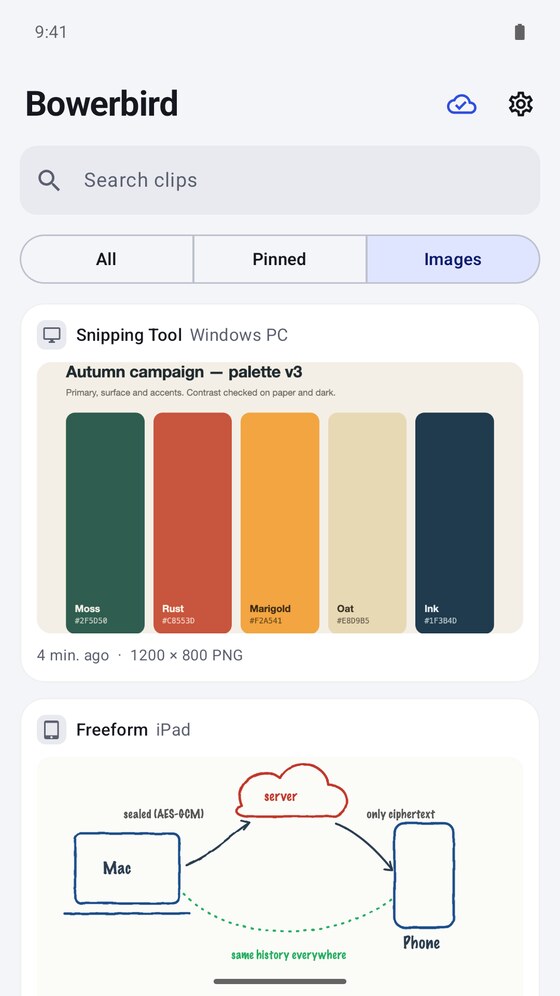
Bowerbird remembers everything you copy and keeps it in step across all your machines. Text, images and files up to 2 GB — end-to-end encrypted, with no account to create.
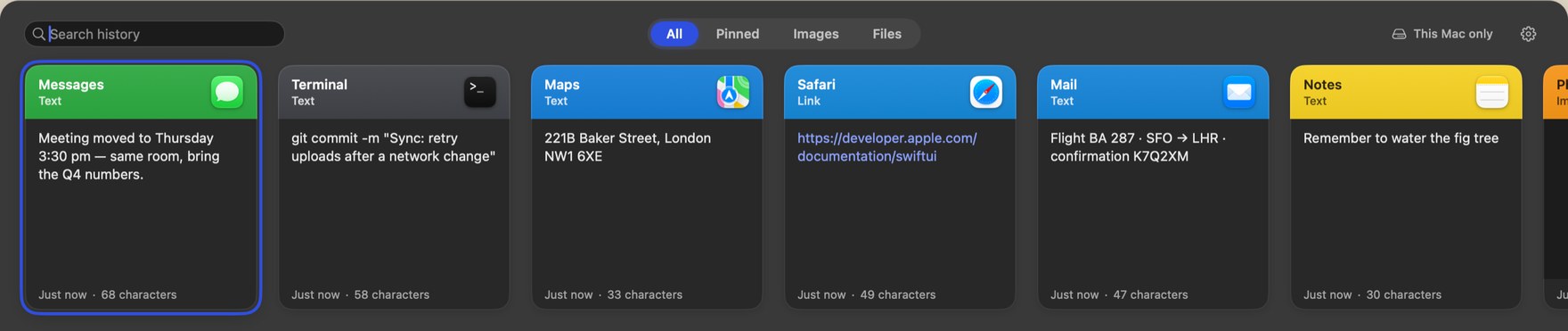
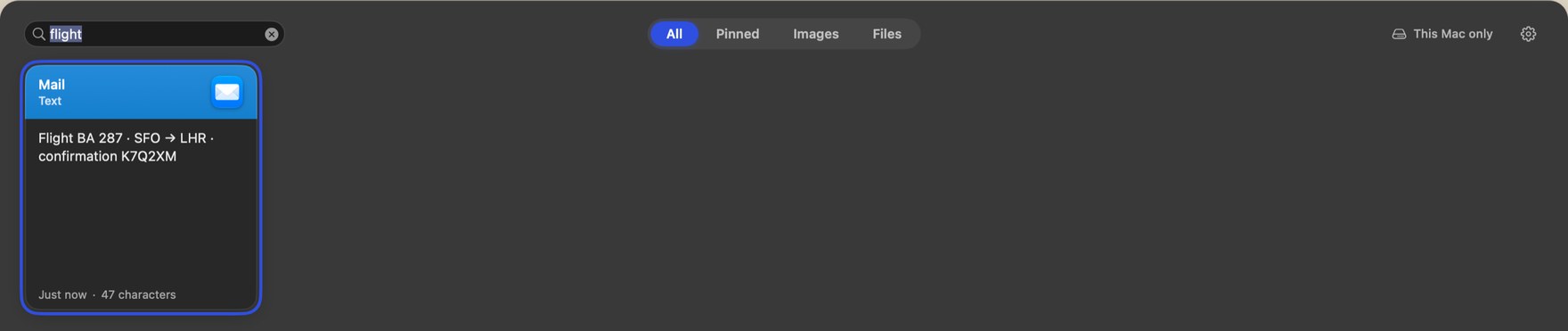
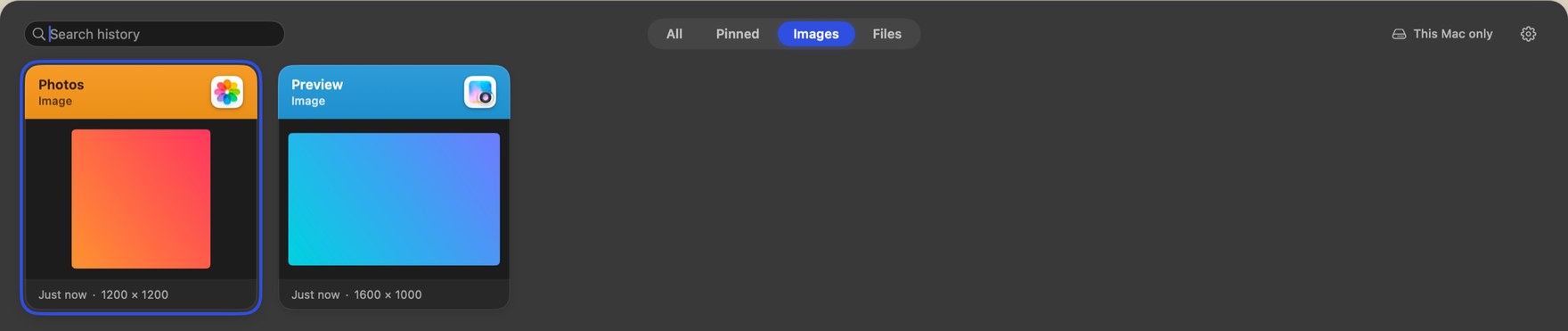
Press a shortcut in any app and your history slides up from the bottom edge, newest first. Type to narrow it down, press Return to paste. The window never takes focus from what you were doing, so the thing you were writing stays exactly where it was.
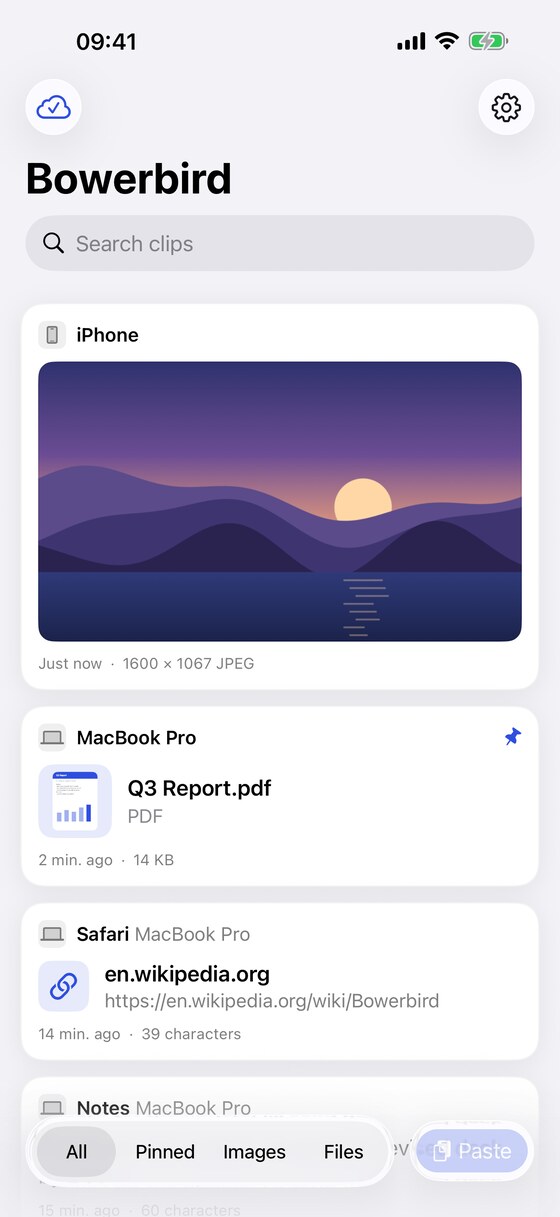
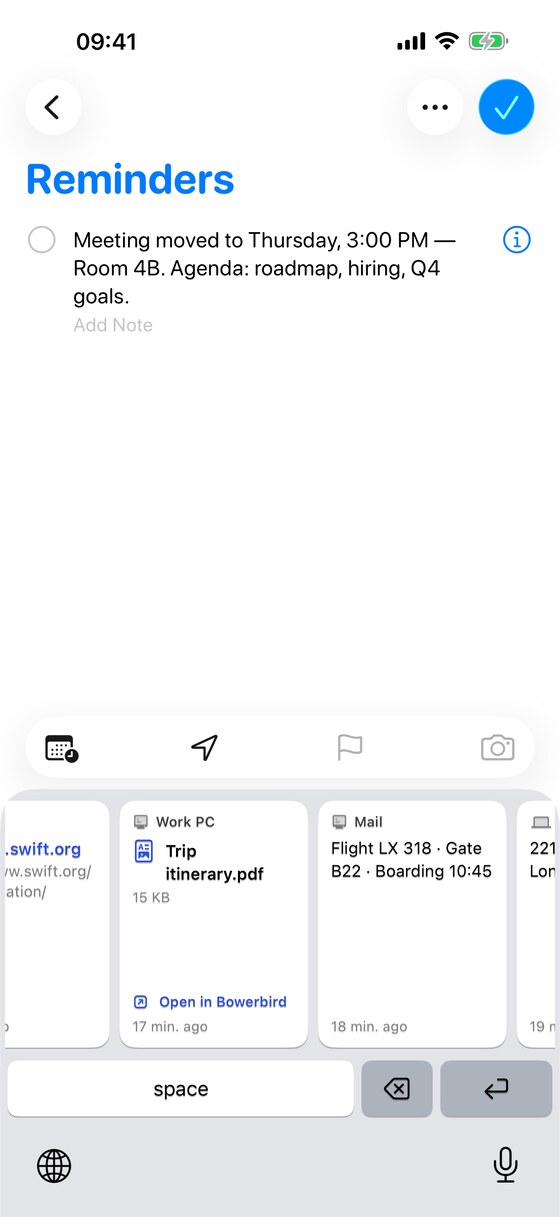
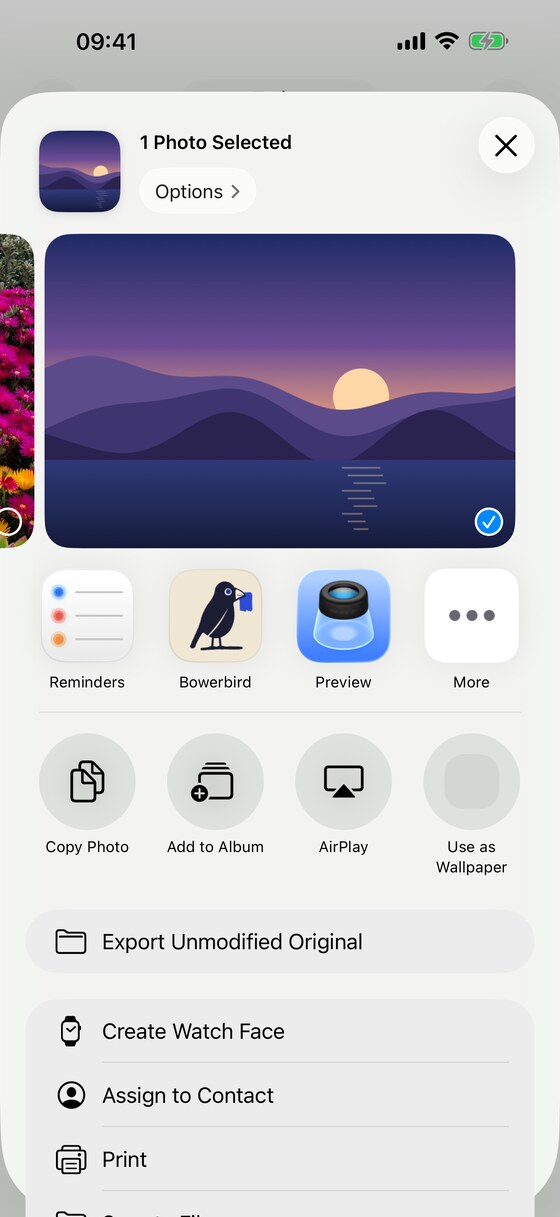
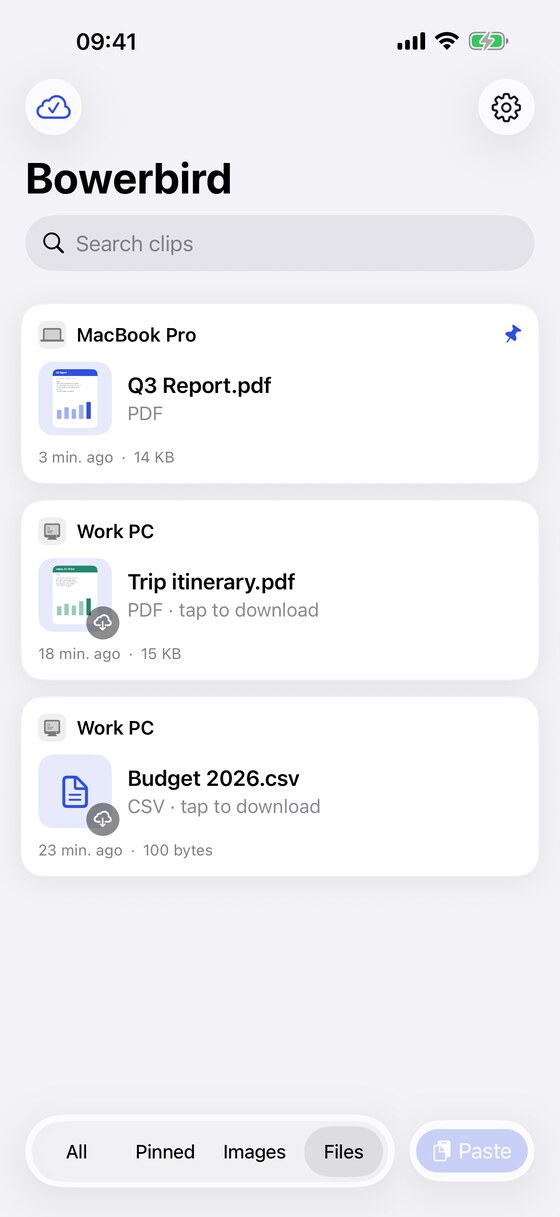
Copy something on the desktop and it is on the phone before you have put it down. Bowerbird ships a keyboard you can switch to inside any app, so you can paste an older clip without leaving what you are typing, and a share extension that files things away from anywhere in iOS.
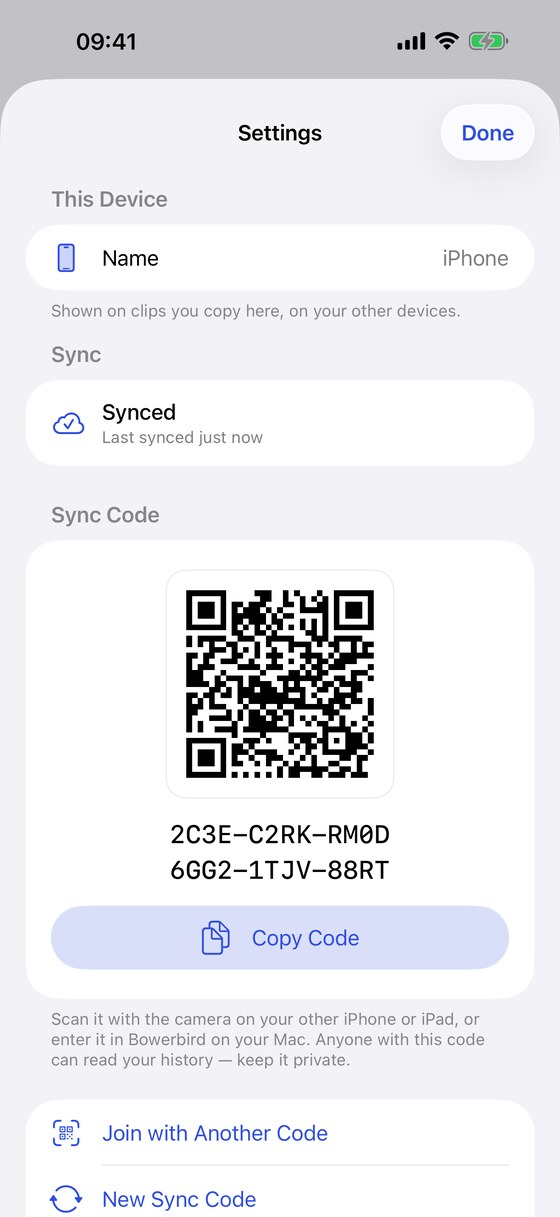
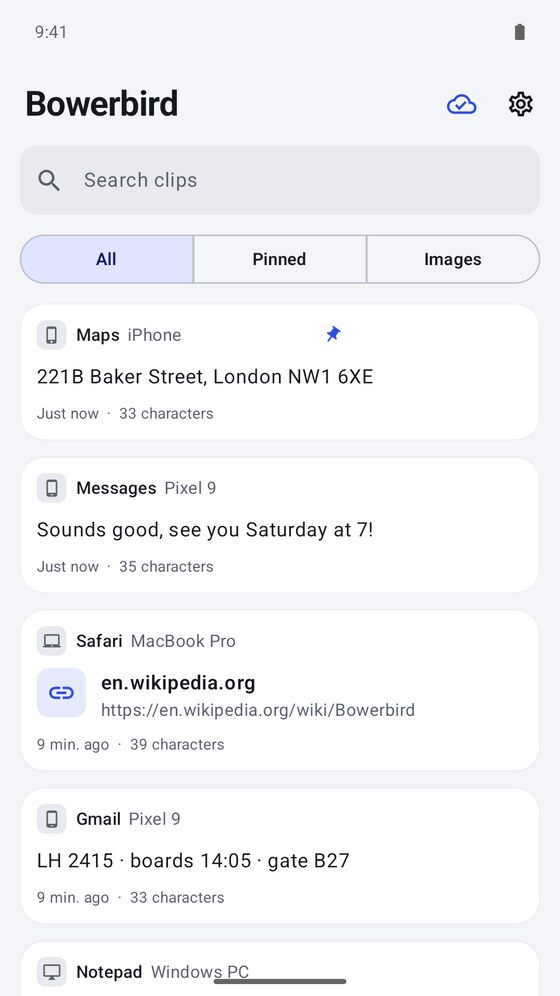
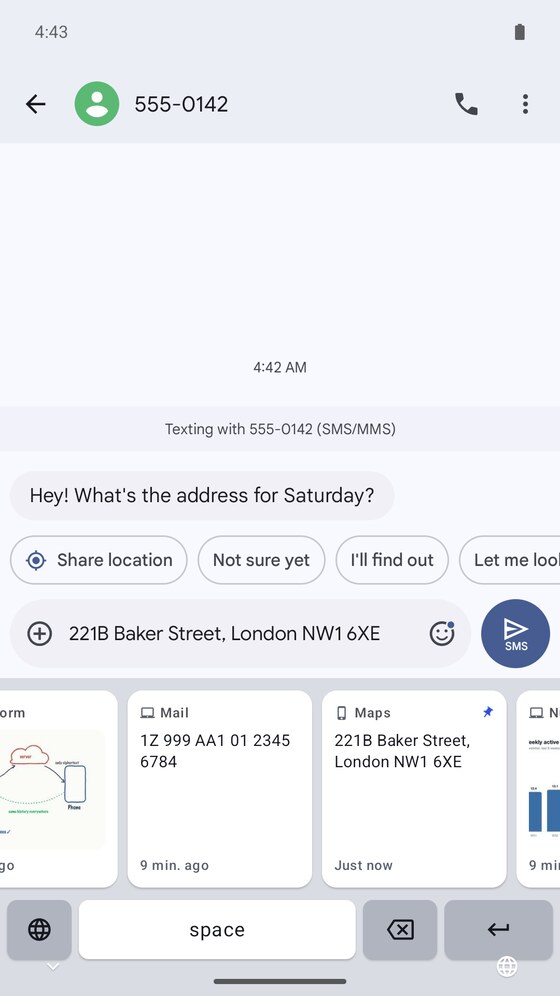
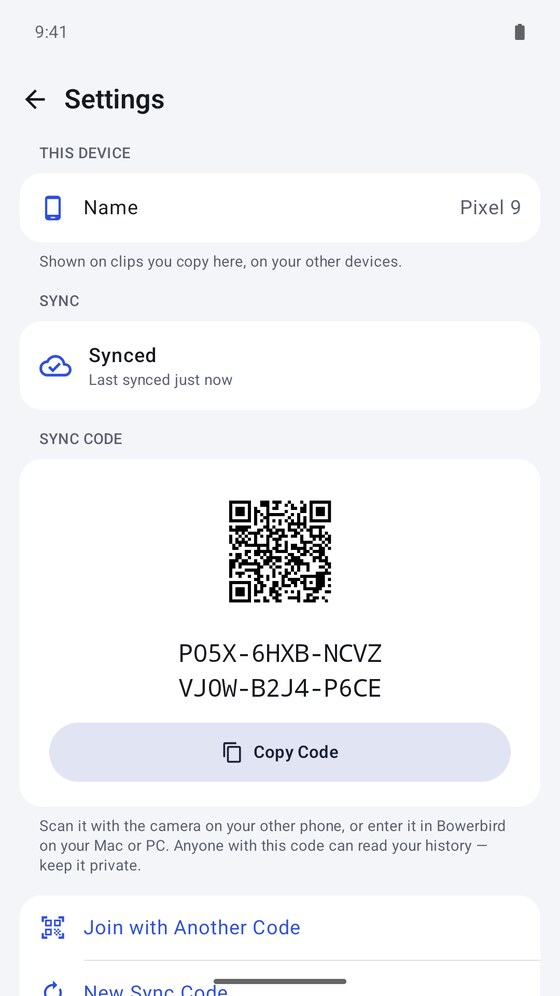
The Android app covers the three places you actually need a clipboard: an input method you can switch to mid-sentence, a Quick Settings tile two swipes from anywhere, and a share target in every app that can share. Pairing a new device is a QR code and nothing else.
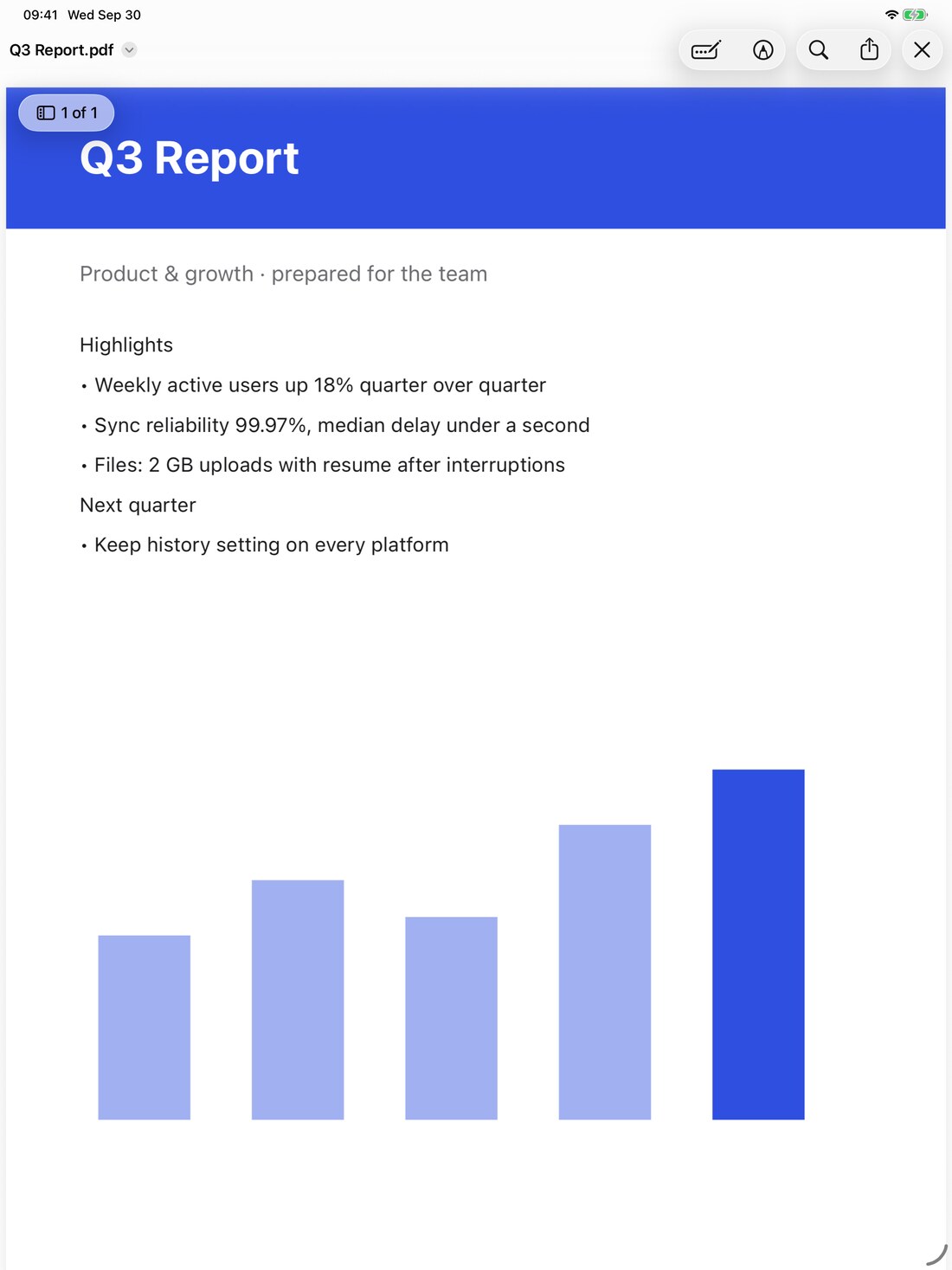
Sent in encrypted chunks, so a dropped connection resumes instead of starting again.
Pin the things you paste constantly and they are never swept up, whatever your history setting.
Keep history for 7, 30, 90 or 180 days — or leave it on Auto and let it manage its own budget.
See everything connected to your history, and sign any of it out — wiping its copy if you want.
Everything is encrypted on your device before it is sent, and decrypted only on your other devices. The key is derived from a sync code that lives on your machines and is never sent anywhere — which also means losing every device means losing the history, and that is the trade being made on purpose.
There is no account, no email address and no analytics. Nothing is collected because there is nowhere to collect it to.